Where Is the Security Code on a Starbucks Gift Card?
Where Is the Security Code on a Starbucks Gift Card?
You’re trying to register a card, check a balance, or pay online, and the app is asking for a security code you can’t find. It’s a small detail, but it stops you cold if you don’t know where to look. Here’s exactly where the code lives on both physical and digital Starbucks cards, what it’s actually for, and what to do if it’s scratched off, faded, or missing entirely.
Quick Answer
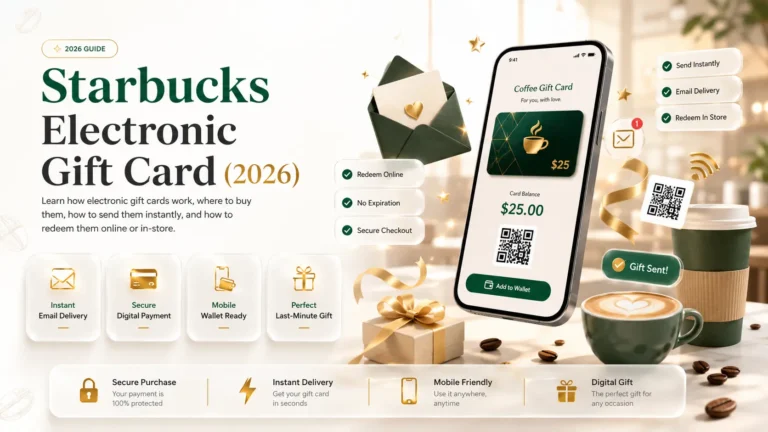
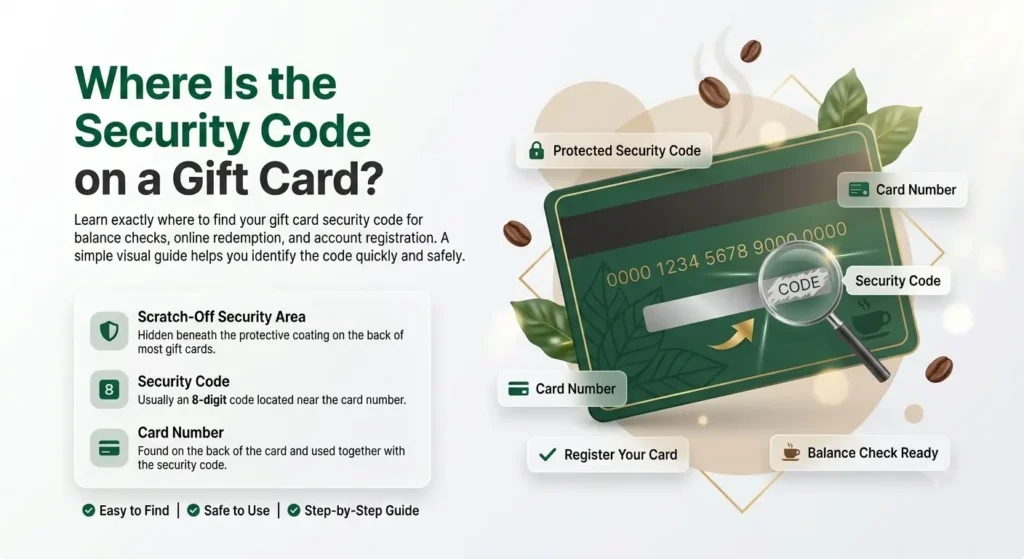
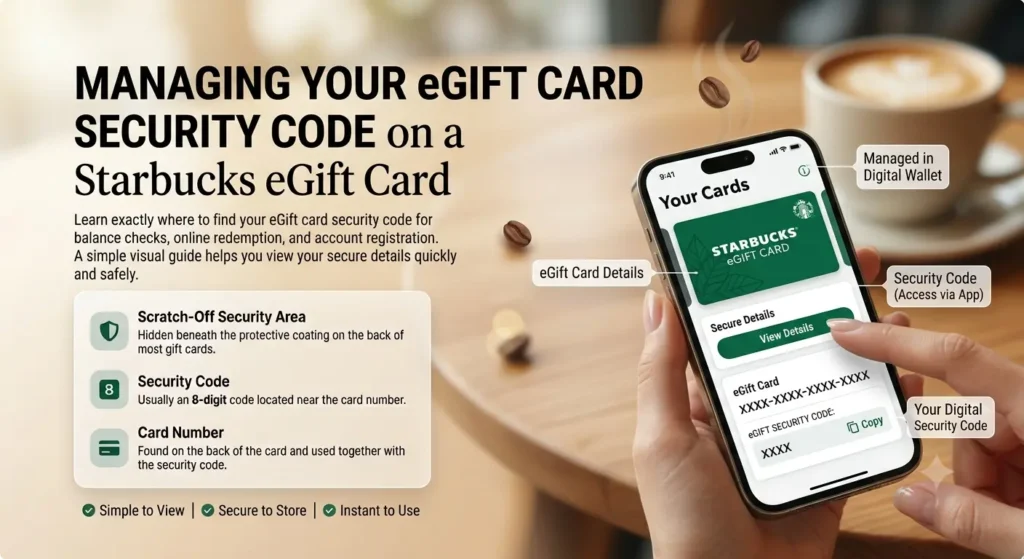
On a physical Starbucks gift card, the security code is on the back, hidden under a scratch-off panel near the long card number. On a Starbucks eGift card, there’s no scratching involved — the code is printed directly in the email or message where the eGift was delivered.
Security Code on a Physical Starbucks Gift Card
Locating the Scratch-Off Panel
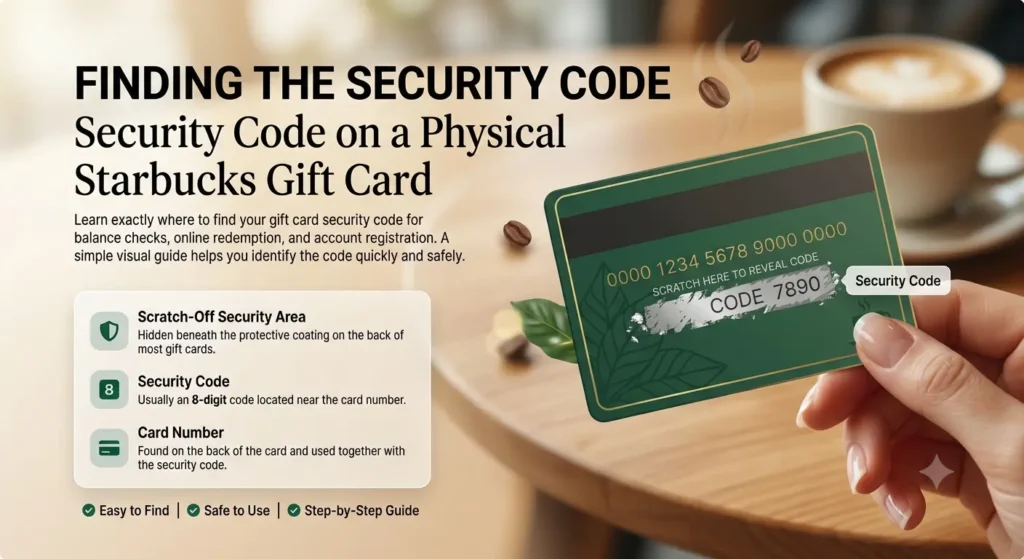
Flip the card over to the back. Near the 16-digit card number, you’ll see a small silver or gray rectangle — that’s the scratch-off panel covering the security code. It’s consistently placed on the back of the card across Starbucks’ various card designs, so even seasonal or promotional cards follow the same layout.
How to Reveal the Code Safely
Use a coin edge or your fingernail, and go gently. Scratching too hard is the single most common reason people damage their own code before ever using it. Work in short, light strokes rather than pressing down and scrubbing — the numbers underneath are printed, not embossed, so aggressive scratching can lift the ink right along with the coating.
Security Code on a Starbucks eGift Card
If your card is digital, there’s nothing to scratch off. Open the original email or text message where the eGift was delivered, and you’ll find both the card number and the security code printed directly in the card details section, usually right below the card image. Since it’s already visible, there’s no risk of accidentally damaging it — the only real risk is losing track of the email itself, so it’s worth saving or forwarding it to yourself before deleting anything.
Card Number vs. Security Code — What’s the Difference?
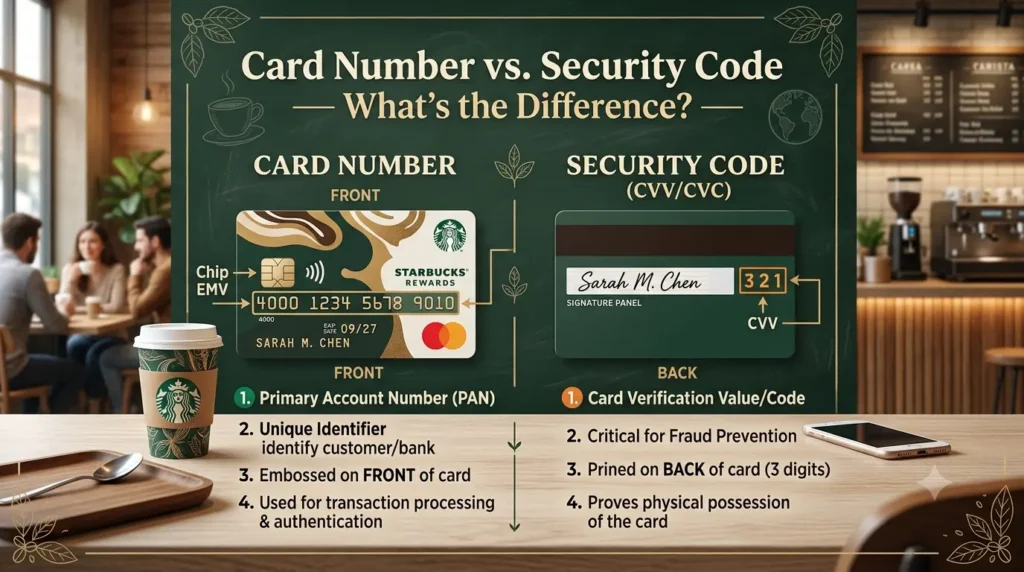
These two numbers sit next to each other on the card, but they do different jobs. The card number is the longer 16-digit number that identifies the specific card — it’s what a barista scans or swipes for an in-store purchase. The security code is the separate number hidden under the scratch-off panel (or shown openly on an eGift), and it exists specifically to confirm you’re the rightful holder of the card for anything done online or through the app. Think of the card number as the account identifier and the security code as the password that goes with it.
What the Security Code Is Used For
Registering the Card
When you add a card to your Starbucks account, the app asks for both the card number and the security code together — this pairing is what proves you actually have the physical card or eGift in hand, not just a guessed number.
Checking Your Balance Online
If you want to check a balance at starbucks.com without signing in, you’ll need both numbers. The security code confirms the request is coming from someone who actually holds the card.
Making Online or App Purchases
Any purchase made through starbucks.com or the app using an unregistered card number requires the security code as a second piece of verification, similar to how a CVV works on a standard debit or credit card.
Do You Need the Security Code to Pay In-Store?
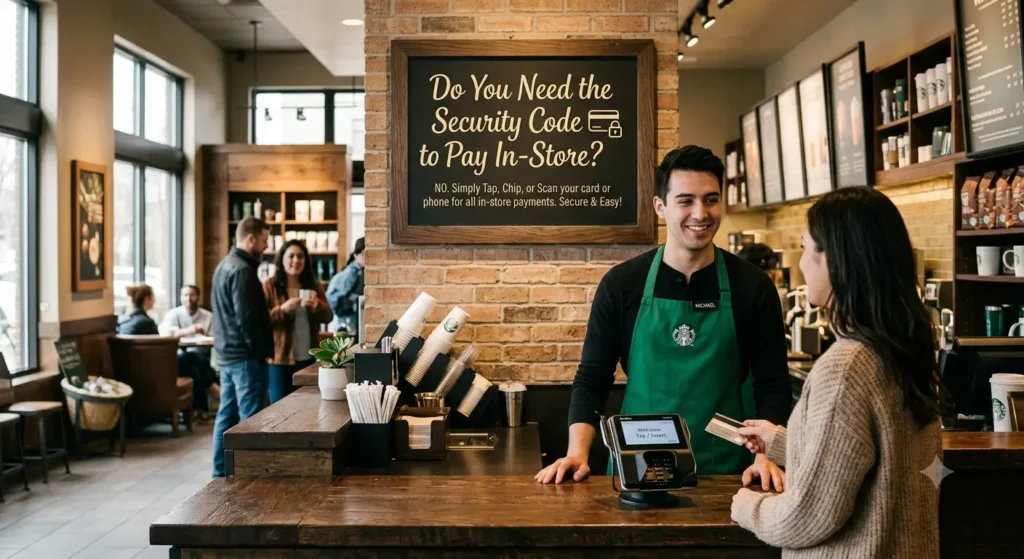
No. At the register, a barista only needs to scan the barcode or swipe the card — the security code isn’t required for that transaction. It only comes into play for online balance checks, registration, and app or web purchases, which is exactly why so many people don’t even notice the scratch-off panel until the first time they try to do something outside of a physical store.
What to Do If the Code Is Missing or Damaged
Scratched Too Hard or Faded
If the numbers are partially visible but hard to read, try photographing the card in good lighting and zooming in — sometimes a clearer photo reveals digits that are difficult to make out with the naked eye. If it’s genuinely illegible, don’t keep scratching at it; that usually makes it worse.
Paper Card with No Scratch-Off Panel
Some printable or paper gift certificates don’t include a scratch-off security code at all, since the format doesn’t need one — the code, if there is one, is simply printed in plain text on the certificate itself.
Contacting Starbucks Support for Help
If the code is damaged beyond reading, call 1-800-782-7282 with the card number ready. In many cases, support can verify the card and access the balance using the card number alone, without needing the security code at all — so hold onto the physical card and, if you have one, the original purchase receipt as proof of the card’s value.
Keeping Your Security Code Safe
Treat the security code the way you’d treat a debit card PIN. Don’t post a photo of the back of your card anywhere public, including social media, resale marketplaces, or gifting forums — anyone who can see both the card number and security code can potentially access the balance. Only scratch off the panel when you’re actually ready to use the code, and register the card to your Starbucks account as soon as possible, since a registered card is protected even if the physical card is later lost or the code becomes unreadable.
Frequently Asked Questions
Final Thoughts
The security code is a small detail that only matters the moment you actually need it — registering a card, checking a balance online, or paying through the app. Flip a physical card over, scratch gently, and you’re set; for an eGift, it’s already sitting right there in the email. If a code ever gets damaged or lost, don’t panic and don’t keep scratching — hold onto the card, grab a clear photo, and call support with the card number in hand. And whatever format your card comes in, registering it the moment you get it is still the single best way to make sure a damaged or missing code never costs you the balance.